
How to Check Asset Transferability at Schwab
- On Schwab Advisor Center (SAC), click Account Management
- On the right-hand side, under Asset transferability, select Check asset transferability
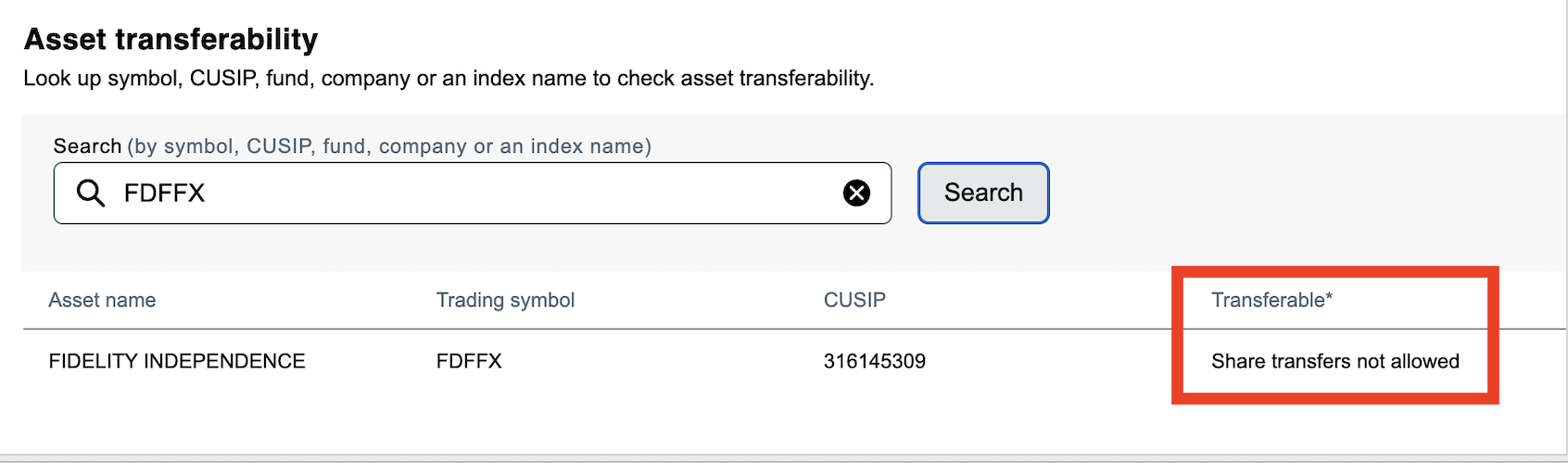
- Search by symbol, CUSIP, fund, company or an index name (but having symbol or cusip yields the best results)
If the position is non-transferrable to Schwab, it will say "Share transfers not allowed" (as shown below), "Asset not transferrable" or something similar:
If the position is transferrable to Schwab, it will say something as shown below:
